

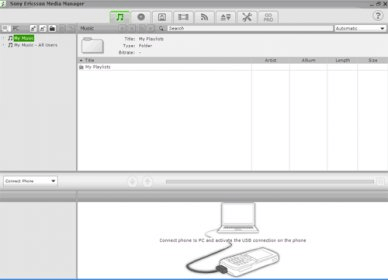
Sony Ericsson Media Manager 1.1 is a tool that allows you to enhance your Sony Ericsson phone’s capabilities by providing amazing features. This easy to use tool lets you transfer and convert your favorite music into mp3 and mp4 format and you can view and transfer your files, pictures and videos. Its SensMe technology helps you to brows your audio tracks according to your choices. With Gracenote® MusicID™ CD album identification technology it allows you to rip songs and music from CDs and transfer them to your phone and its photo mode tab lets you to copy photos, video files between your pc and phone allowing you to search, preview and transfer to your phone. Its RSS Media Mode (Really Simple Syndication) helps you to keep and reserve your back up files with total security. Moreover, with features like easy drag and drop, extensive audio and image support, automated file conversion and more the tool is at its best. It is also released with enhanced media pro which provides full video support with high quality Sony AVC/AAC video encoding with Windows Media Center support. This freeware is available in multiple languages.

 dbForge SQL Tools 6.6
 dbForge Studio for SQL Server 6.6
 dbForge SQL Complete 6.1
 dbForge Source Control for SQL Server 2.7
 dbForge Compare Bundle for SQL Server 6.6
 dbForge Documenter for SQL Server 1.8
 dbForge Data Generator for SQL Server 4.6
 dbForge Index Manager for SQL Server 1.1
 dbForge Data Pump for SQL Server 1.9




Comments (5)